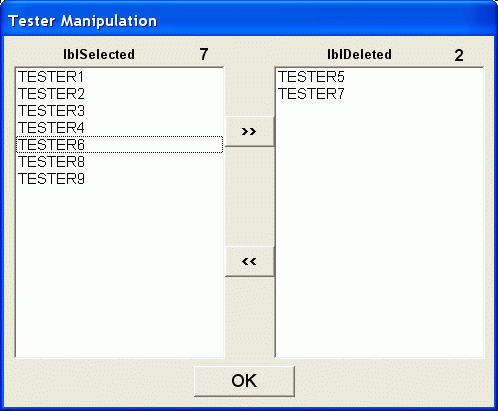
Delete unwanted testers manually
Under the main menu of Data Manipulation, click Run any Subset by… and choose Removing any Testers. A form with two list boxes will appear, one of them contain all the testers. You can freely move the testers between the boxes. Click the OK button when satisfied.
A new biplot will shown, in which only the testers that were selected:
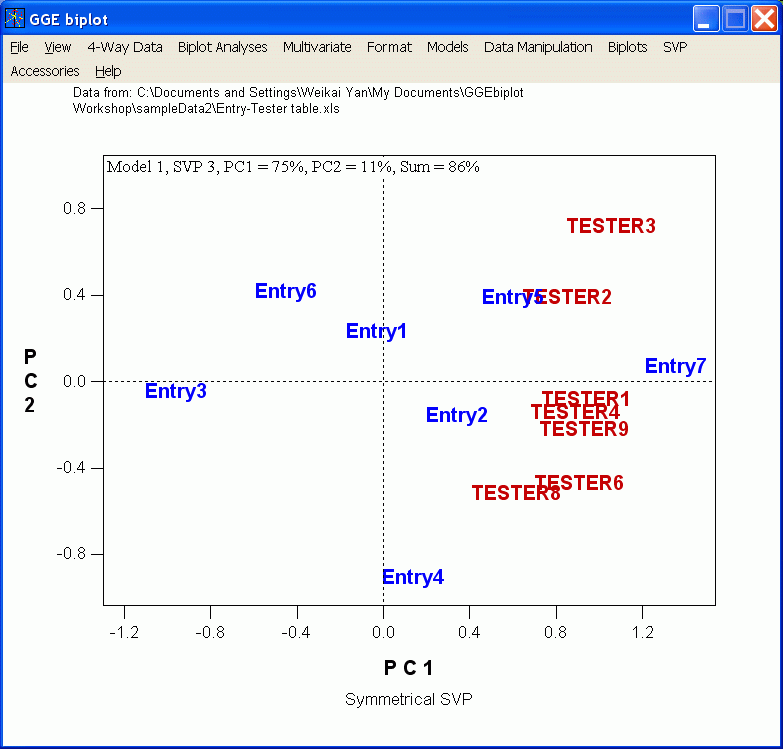
This method can be used to generate a subset that contains any number of the testers.
Here is another example.